Member Management
What is Member Management?
You can manage members within your organization.
- You can confirm, add, and delete members from the member screen.
- You cannot edit members on the screen, so please contact the person in charge for service requests, etc.
Adding Members
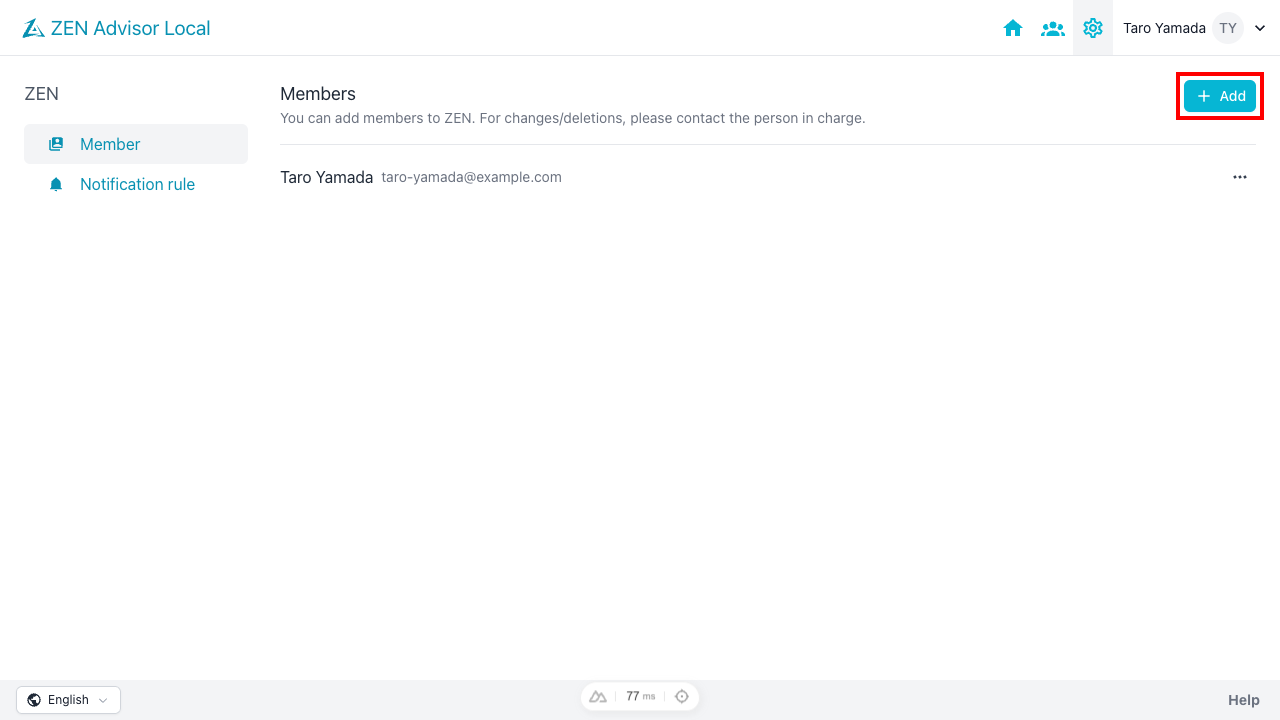
Navigate to the member screen from the [Project Settings] icon in the navigation bar.

Click the [+ Add] button in the upper right to open the member addition dialog.
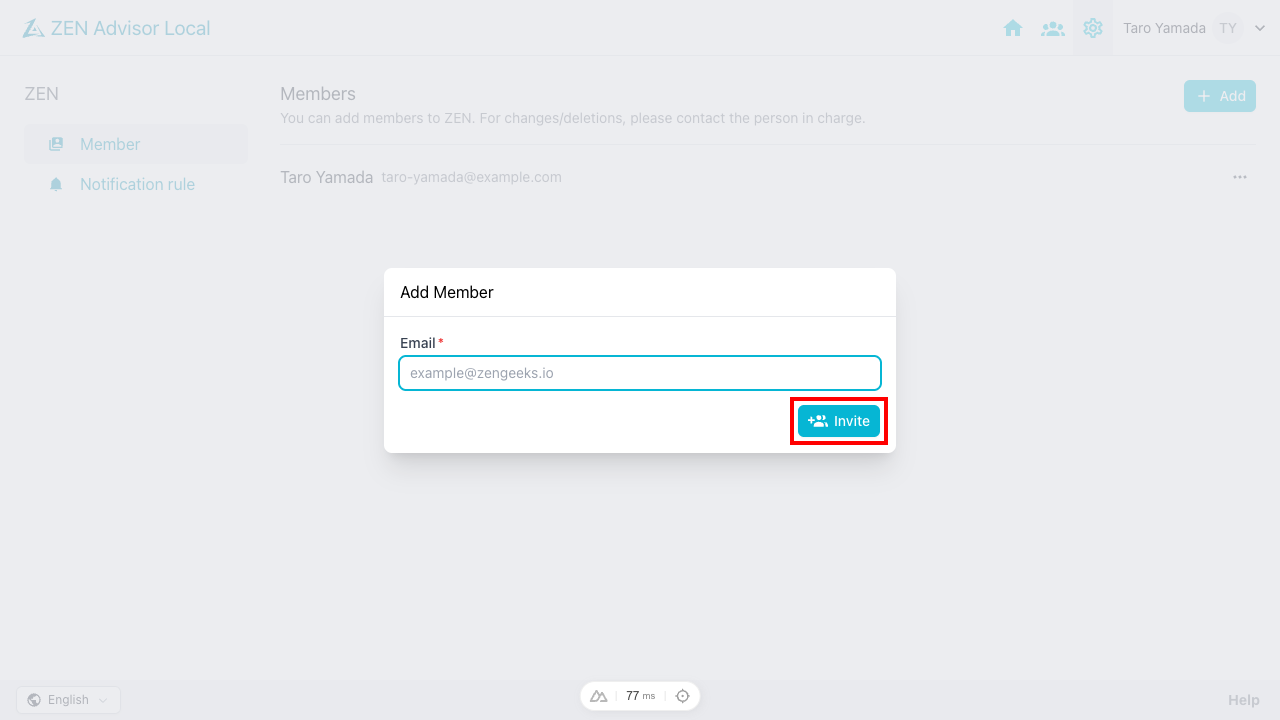
- Enter the email address of the user to be added and click the [Invite] button.
- An invitation email will be sent to the email address, and the member registration will be completed by accepting the invitation from the link in the email.
Deleting Members
From the member list screen, click the delete button in the row of the member you want to delete.
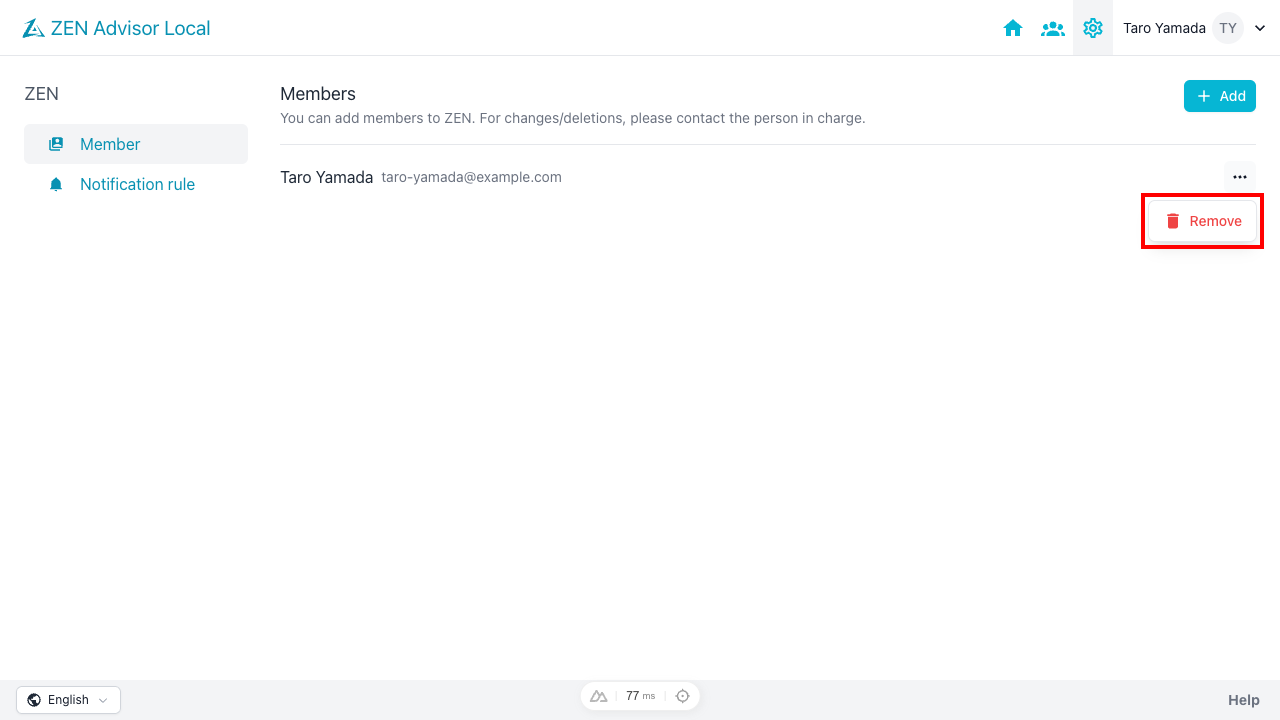
A deletion confirmation dialog will be displayed. After confirming the content, proceed with the deletion.
- Deleted members will no longer be able to access the organization.
- Please note that the deletion operation cannot be undone.